home organization
Your chat list: quick access to everything
By Julian •
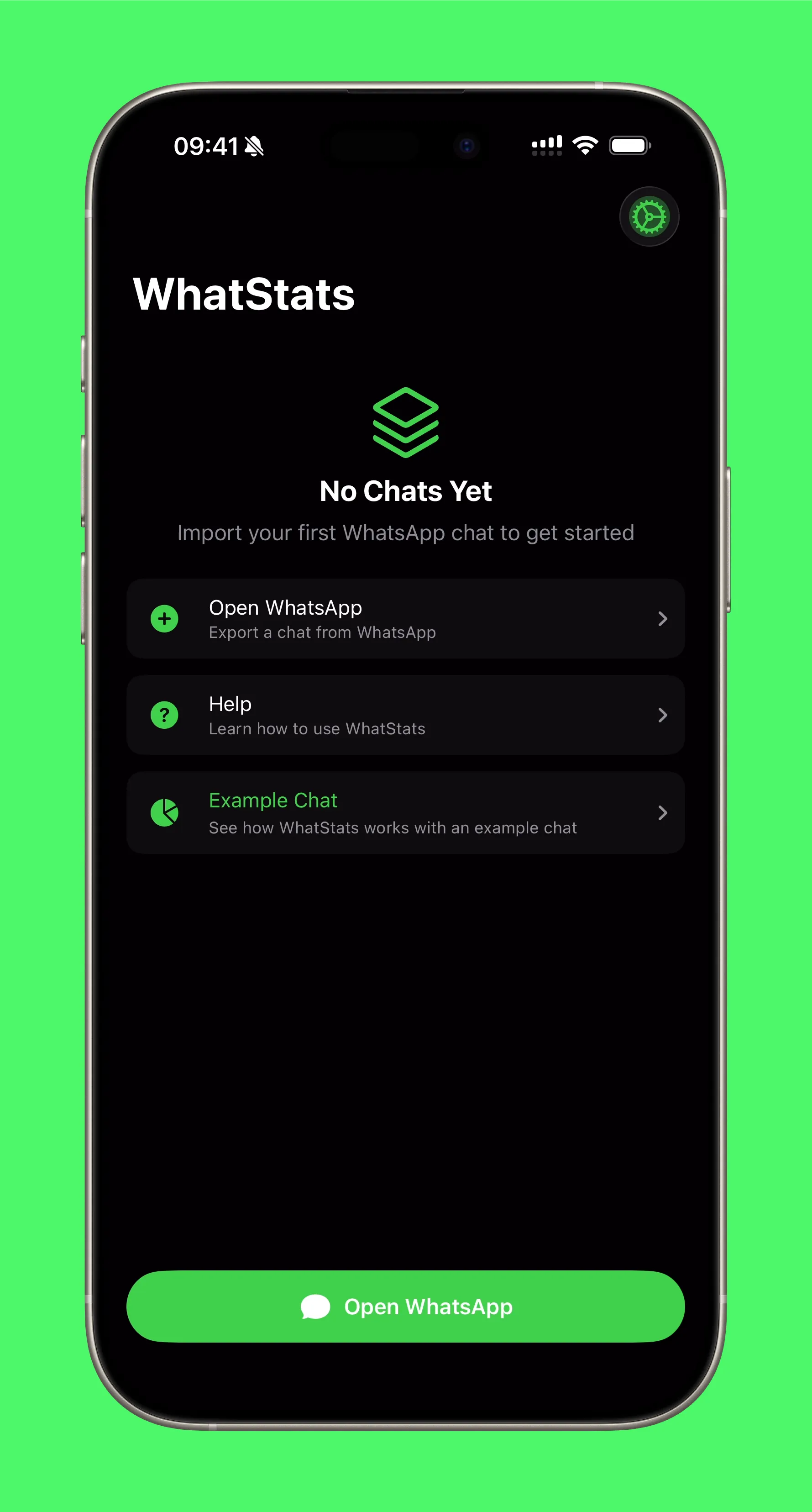
The home screen is the control center. It is where all your imported chats live, and it is designed to stay simple even if you analyze a lot of them.
What you can do here
- See every imported chat at a glance
- Jump into analysis with one tap
- Delete a chat and clean up storage
I kept the layout intentionally clean so the stats are never buried.
Local, private analytics
Bring your chat stats to life with WhatStats
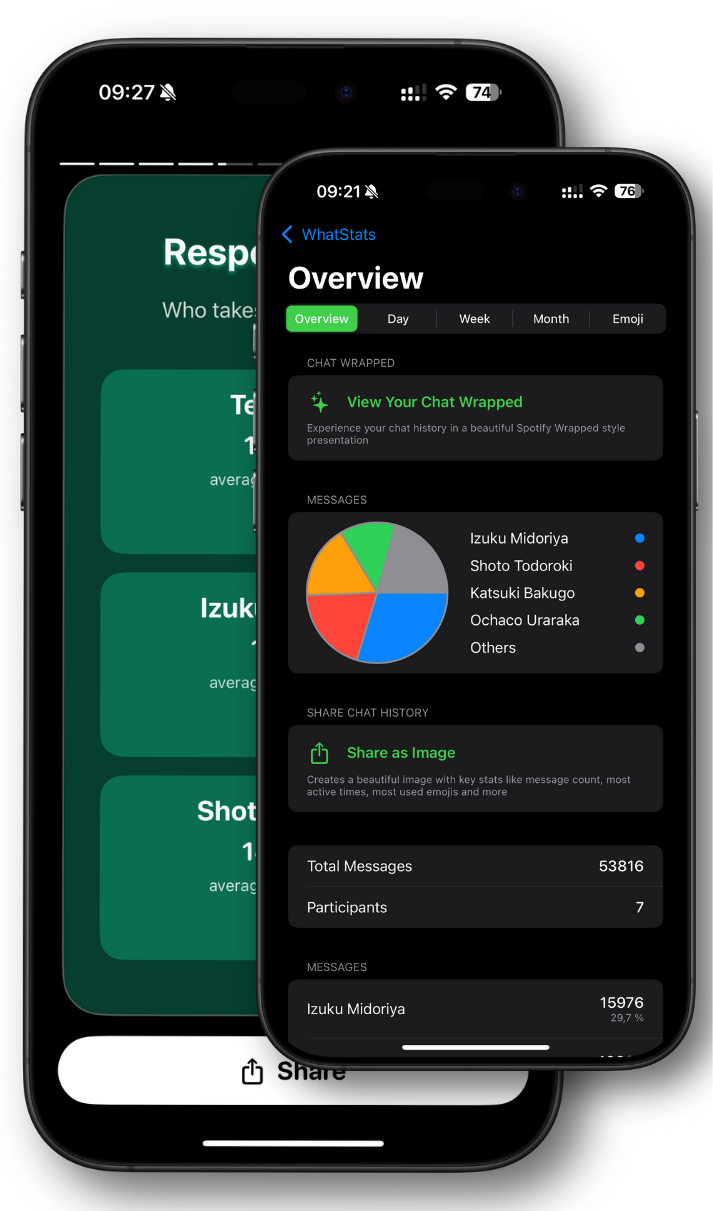
Analyze WhatsApp chats locally, explore emoji insights, and generate a shareable Chat Wrapped in seconds.
🔒 Data stays on device
✨ Chat Wrapped stories
📊 Emoji + time insights