import whatsapp getting-started
How to export a WhatsApp chat (without media)
By Julian •
This is the fastest way to get a chat into WhatStats. It keeps the file small, the import quick, and your data on-device.
The short version
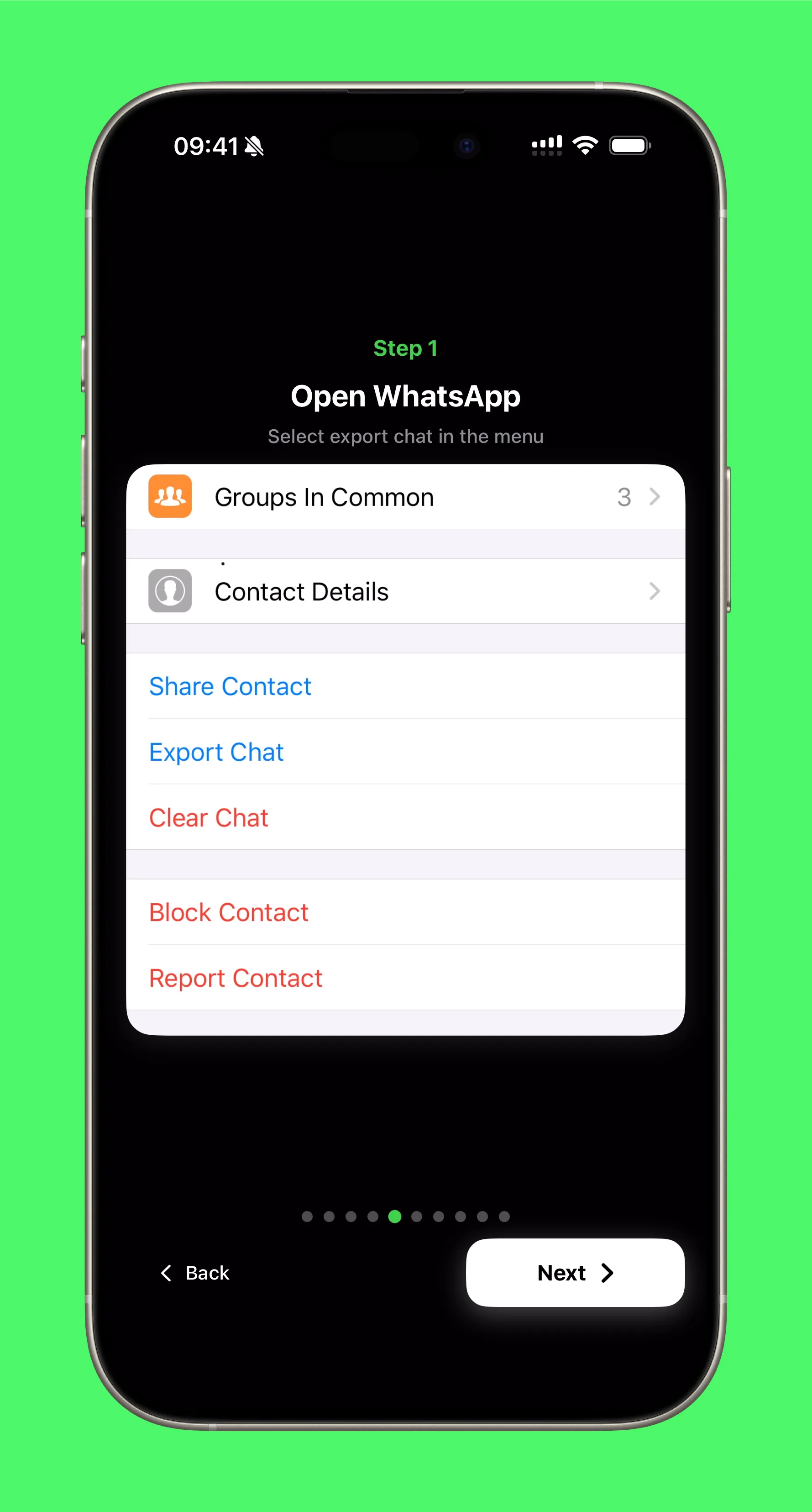
- Open a chat in WhatsApp.
- Tap the menu and choose Export Chat.
- Pick Without Media.
- Share the file to WhatStats.
That is it. The app will detect the file, extract it if needed, and you are ready to analyze.
Why “Without Media”?
Media makes exports huge and slow. WhatStats only needs the text to build the analytics, so skipping media keeps everything fast and reliable.
If you do not see WhatStats in the share sheet
Tap More in the share sheet and enable WhatStats in the list. Once it is enabled, it will show up every time.
That is the whole import flow. Simple, private, and fast.
Local, private analytics
Bring your chat stats to life with WhatStats
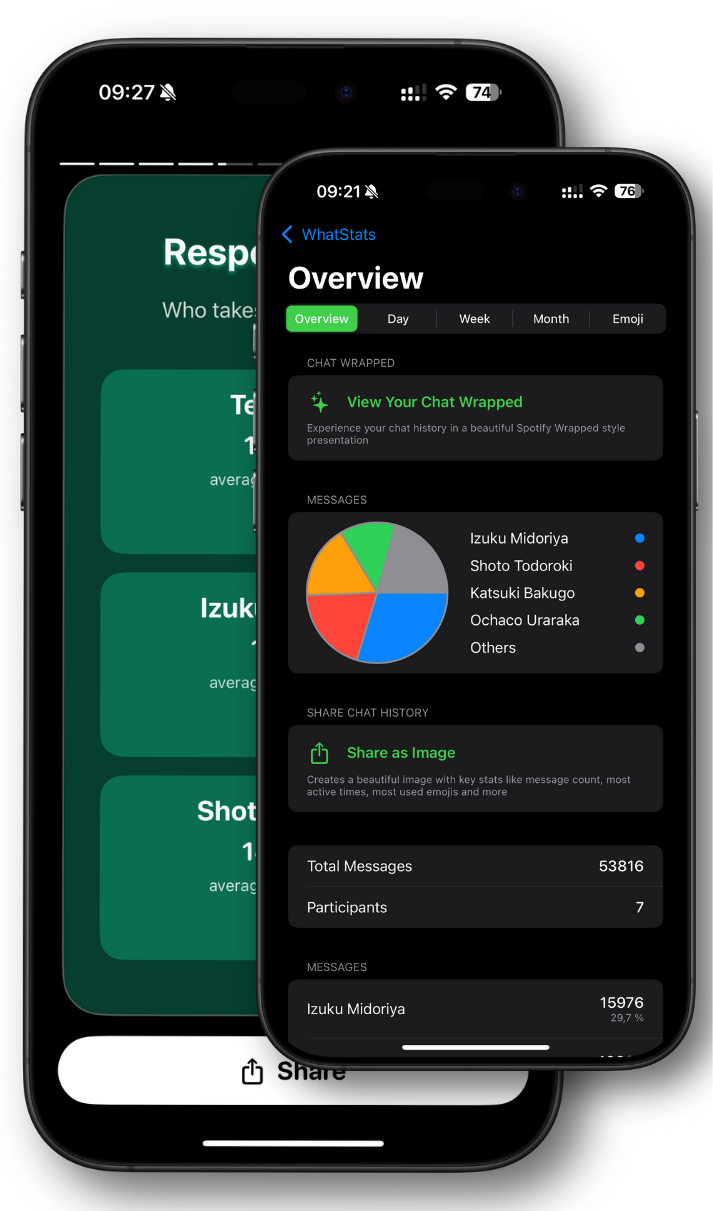
Analyze WhatsApp chats locally, explore emoji insights, and generate a shareable Chat Wrapped in seconds.
🔒 Data stays on device
✨ Chat Wrapped stories
📊 Emoji + time insights