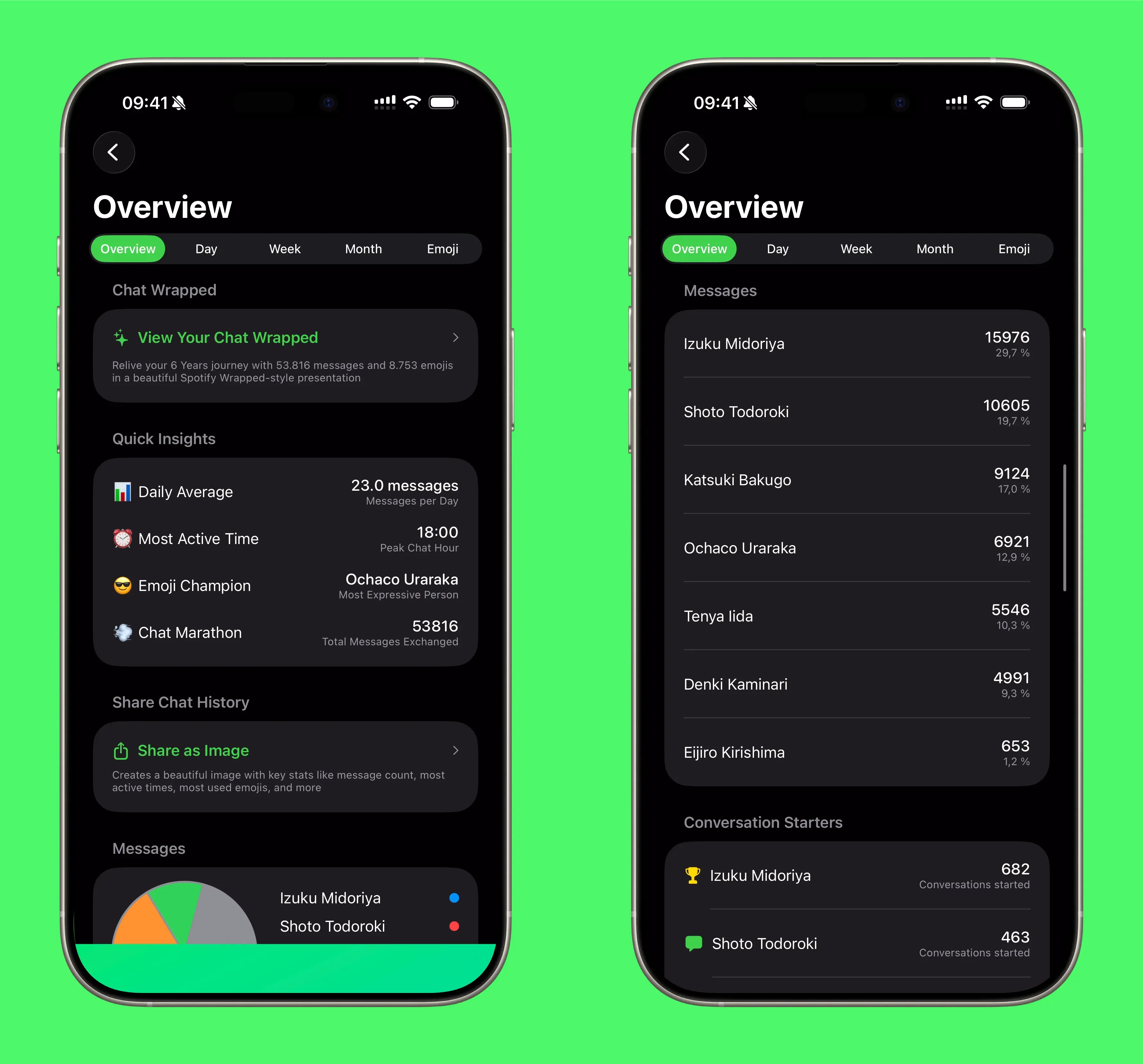
overview insights
Overview dashboard: the signal in one screen
By Julian •
The Overview tab is built for speed. Open a chat and you immediately see the headline stats and the patterns that matter.
What it includes
- Total messages and participants
- Quick insights like most active time
- A distribution view so you can see who is sending what
If you only have time to check one screen, this is the one.
Local, private analytics
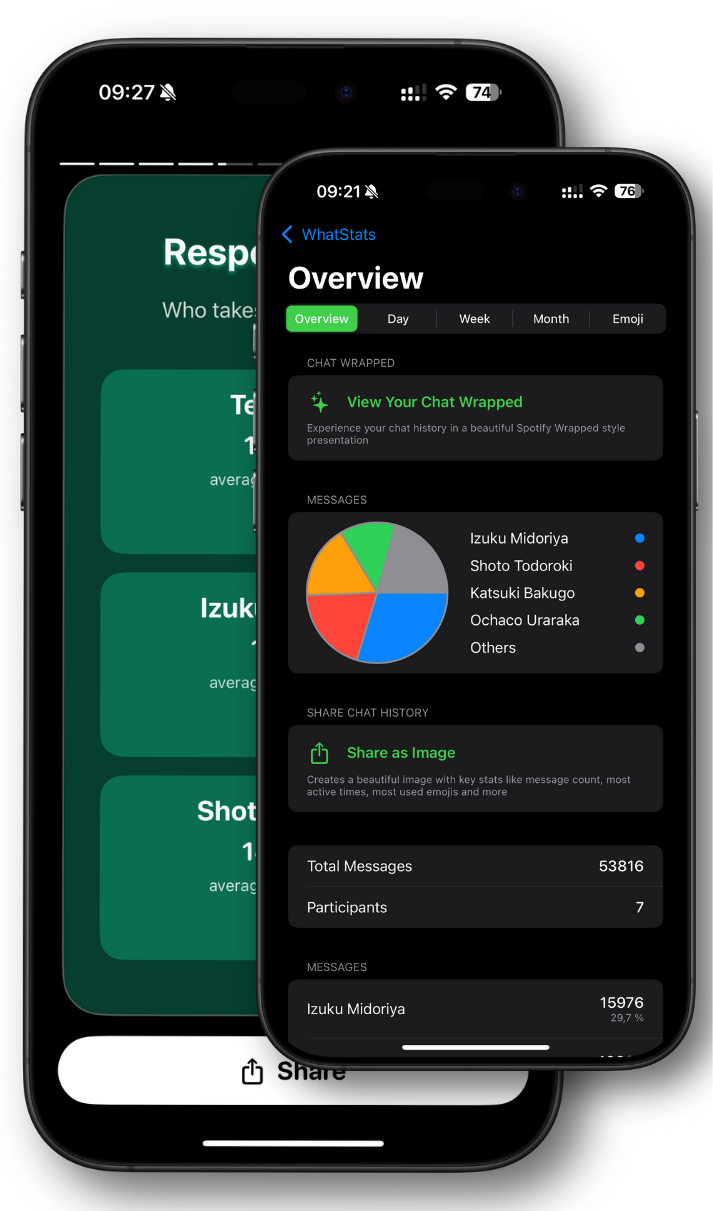
Bring your chat stats to life with WhatStats
Analyze WhatsApp chats locally, explore emoji insights, and generate a shareable Chat Wrapped in seconds.
🔒 Data stays on device
✨ Chat Wrapped stories
📊 Emoji + time insights