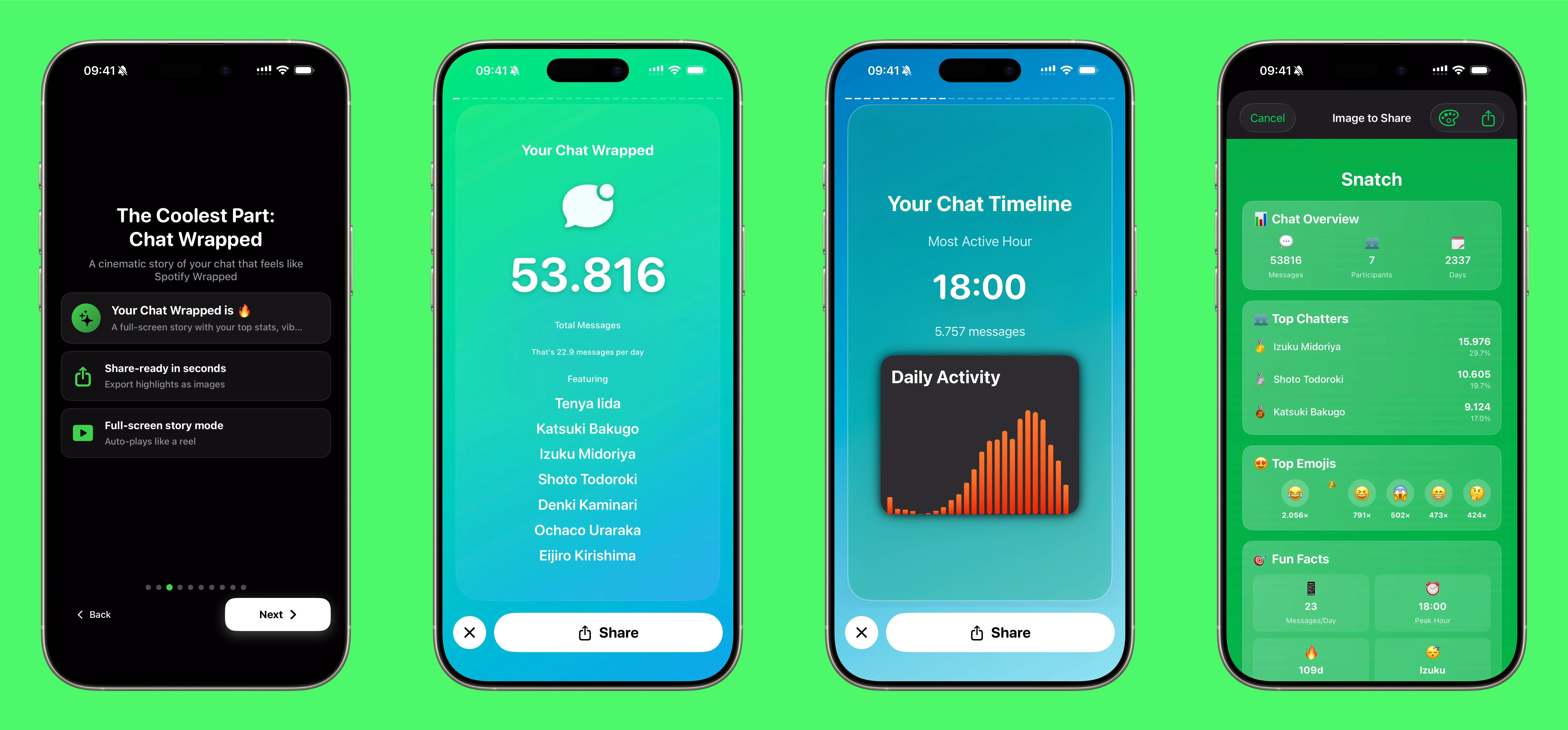
How to make a Spotify-Wrapped style recap for WhatsApp
If you want a Spotify-Wrapped style recap for WhatsApp, you already can. I built Chat Wrapped in WhatStats to do exactly that: take a text export and turn it into a story.
This is the short, practical version of how to do it.
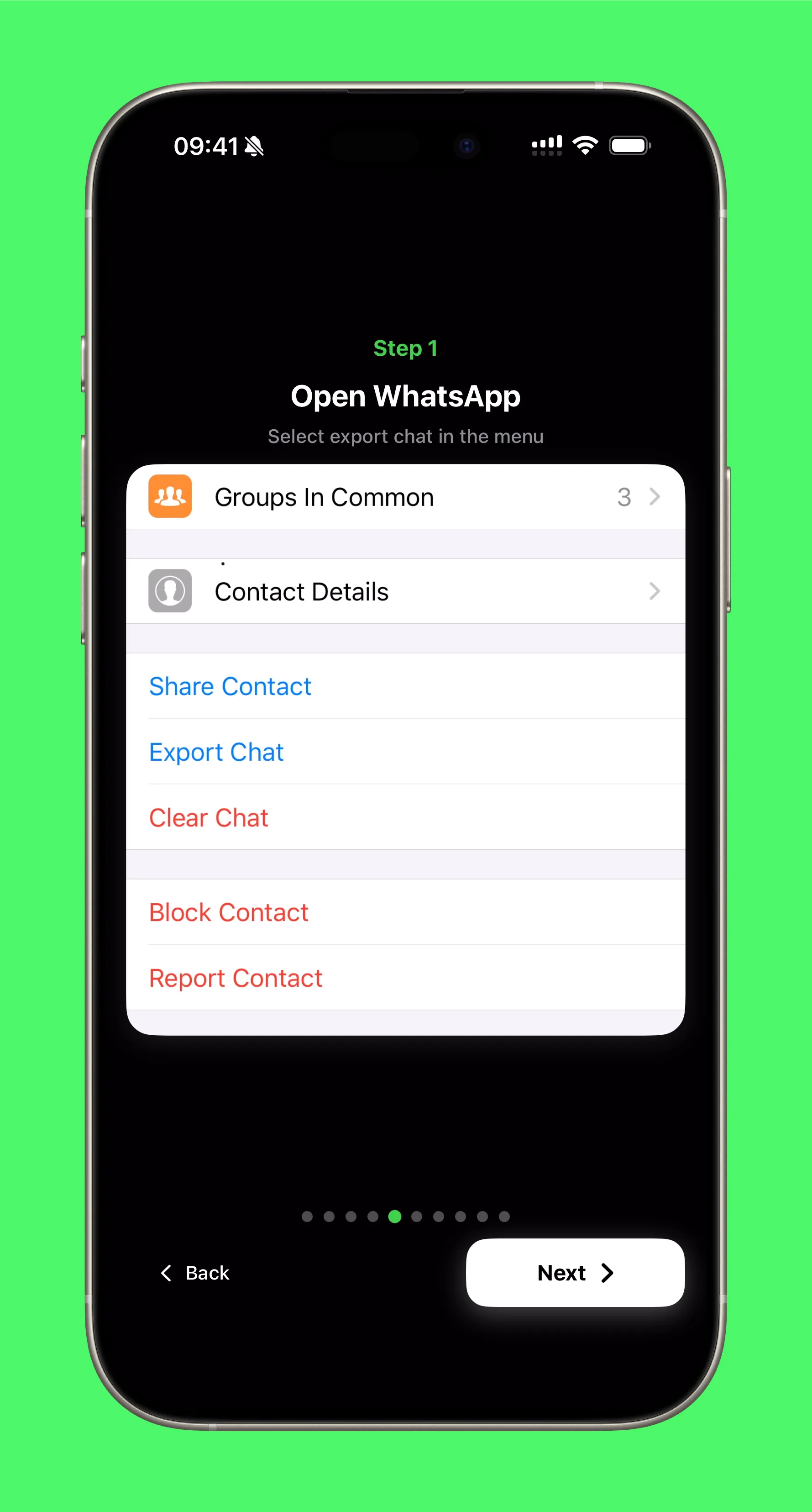
1) Export your chat (without media)
WhatsApp export is the input. The key is choosing Without Media so the file stays small and fast.
2) Share it to WhatStats
Once exported, share the file to WhatStats. The app extracts the chat and prepares it for analysis locally on your device.
If you have never done this, onboarding shows the exact flow:

3) Open Chat Wrapped
Inside the chat, tap Chat Wrapped. You will get a story-style recap with the big moments first and the deeper patterns after.
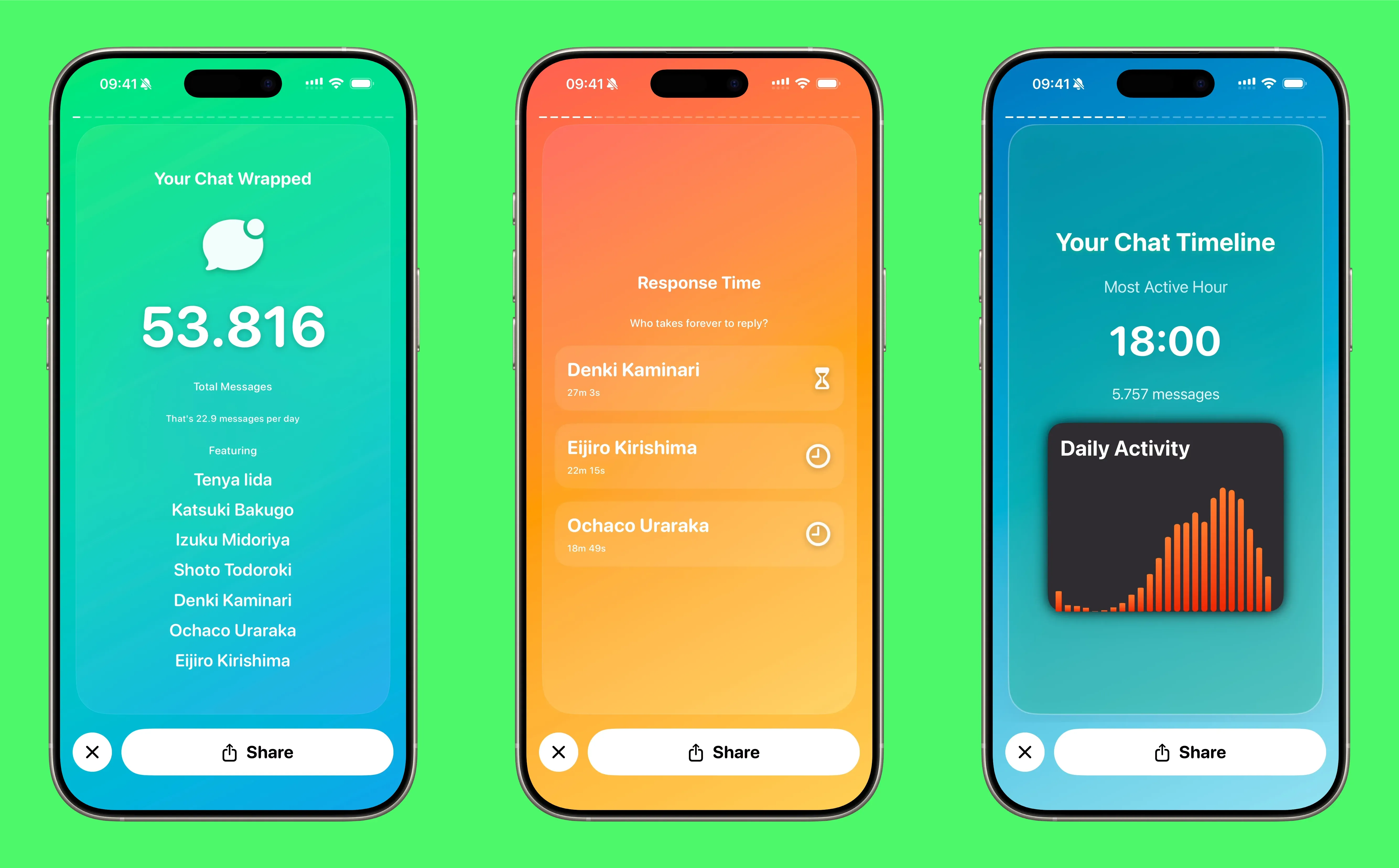
The flow covers things like totals, activity peaks, conversation dynamics, and emoji personality. It is fast and visual by design.
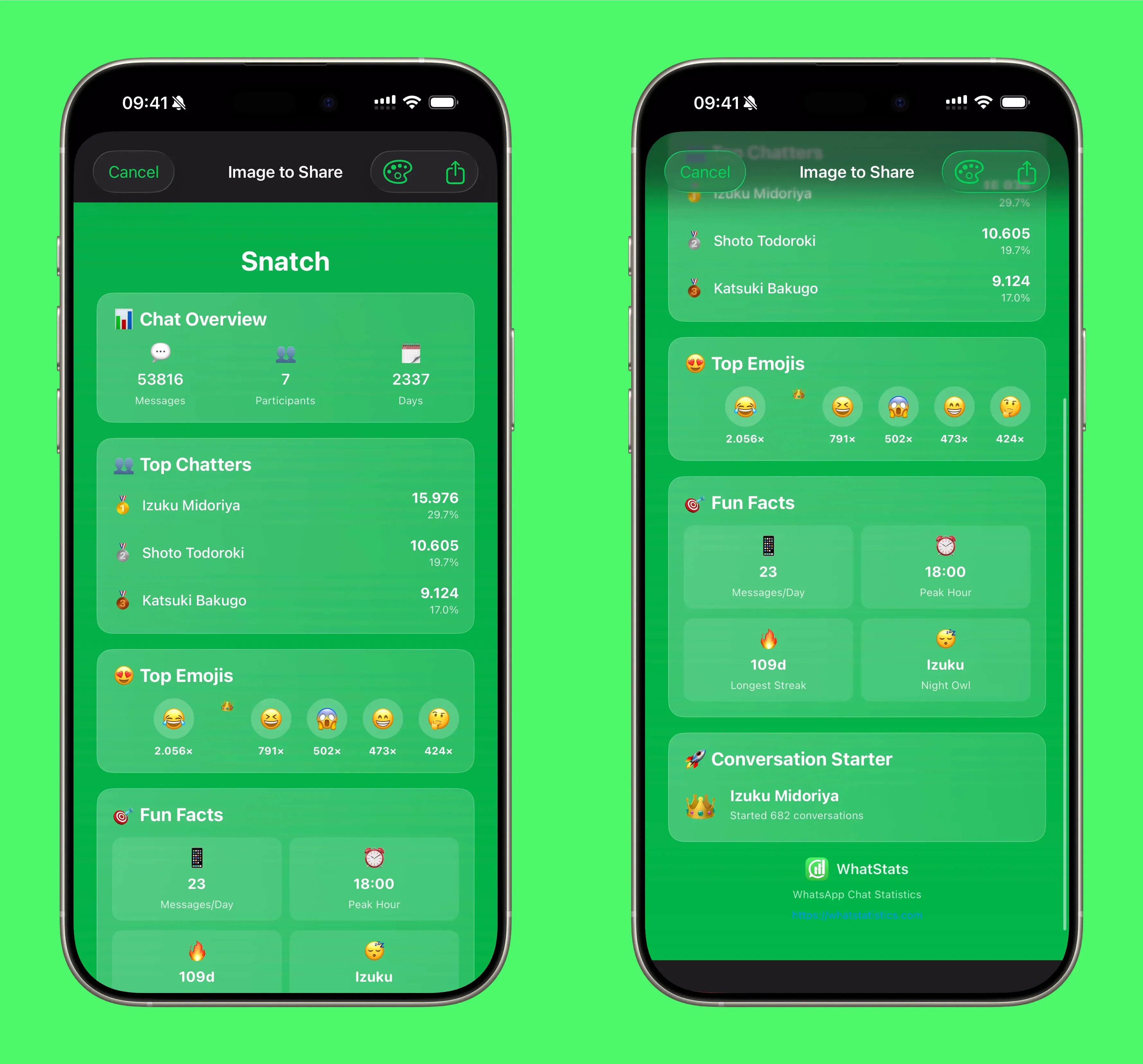
4) Share it as an image (or video)
When the recap looks good, export it. You can generate a single image or a full story video.
Why this is different
Everything runs locally. Your chats do not leave your phone. No servers. No uploads.
That is the whole point: a fun recap without giving your messages away.
The quick summary
- Export chat without media
- Share to WhatStats
- Open Chat Wrapped
- Export and share
That is it. A Spotify-Wrapped style story, but for your WhatsApp chats.
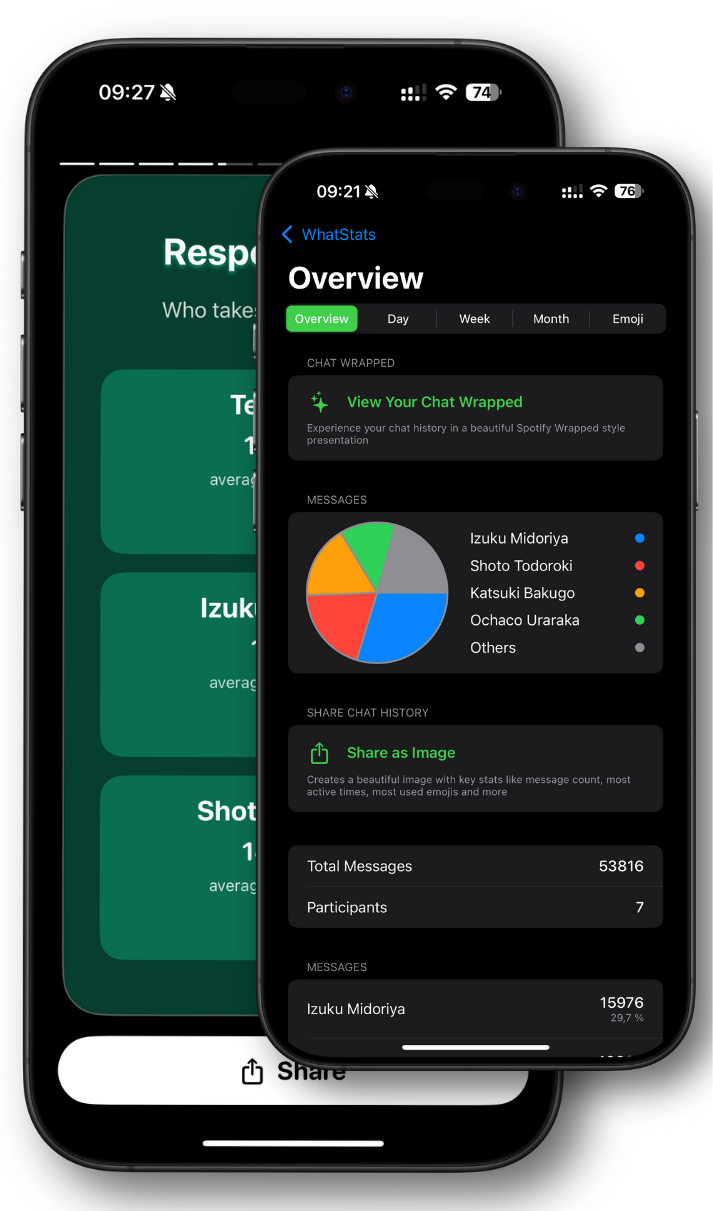
Bring your chat stats to life with WhatStats
Analyze WhatsApp chats locally, explore emoji insights, and generate a shareable Chat Wrapped in seconds.